Dictation, on your device.
Hold fn on your Mac, or tap the mic on the Locutor keyboard, and speak the way you normally do. Locutor writes down what you meant, as said or rewritten into a cleaner, casual, formal or email tone.
Everything stays on your device
Speech recognition (NVIDIA Parakeet or Qwen3-ASR) and rewriting (Liquid AI LFM3) run locally. No accounts, no servers, no analytics.
In every app
On the Mac, hold fn (or right Option) and Locutor types into whatever app you're in, or dictate in its own window. On iPhone, switch to the Locutor keyboard in Messages, Mail, Notes or anywhere you type.
Nothing gets lost
Every take is saved to disk as you speak, so even an hour-long recording survives a crash or a dead battery, and it's transcribed from the file when you stop. Play any take back from your history.
Your history, yours
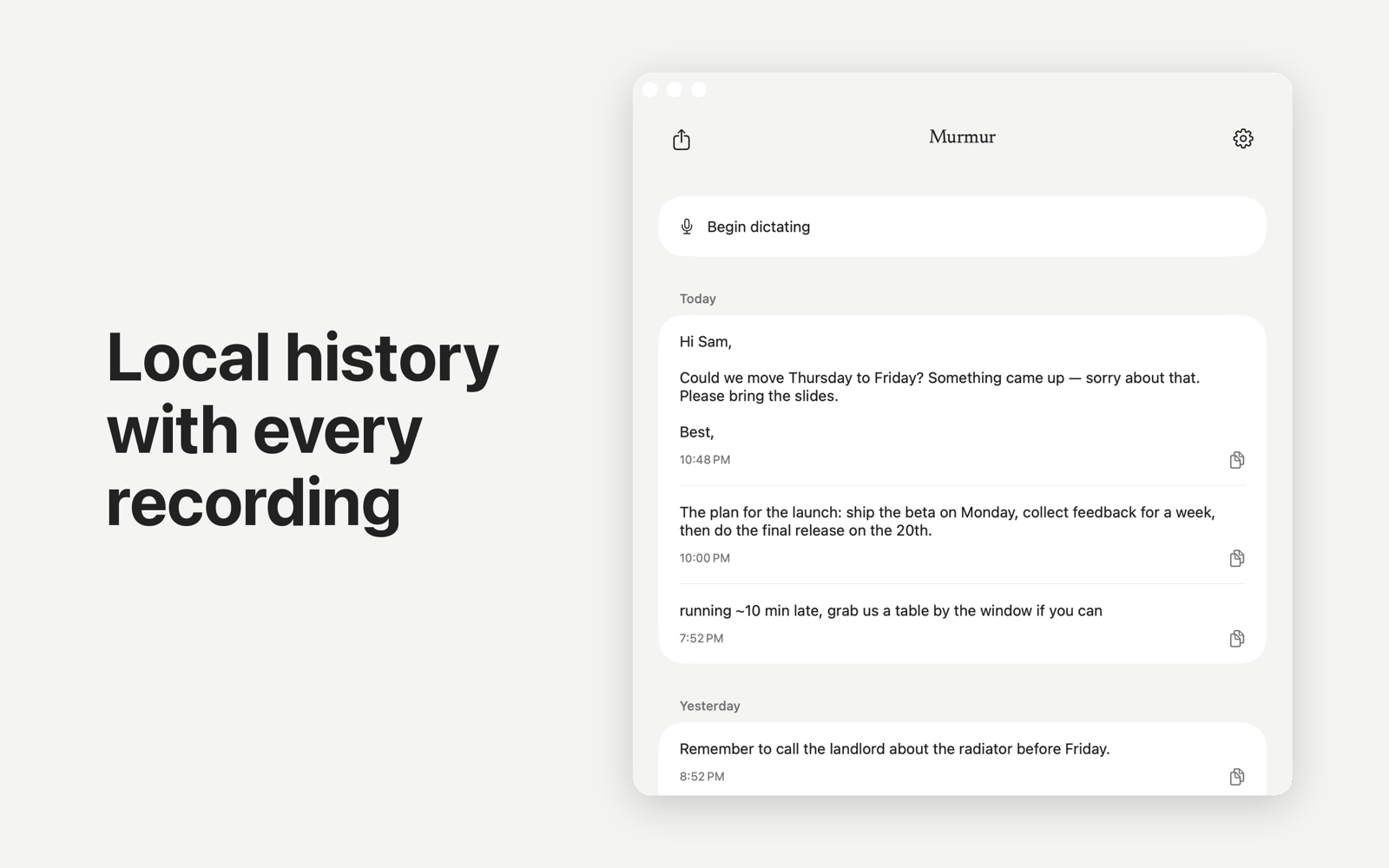
Transcripts live in a single SQLite file and recordings as plain WAV files, all on your device. Export transcripts, recordings or both from Settings at any time, or delete them; there are no copies anywhere else.